
Student-Friendly Gaming Setups: Study + Play Balance — Vibetric 2025 Guide
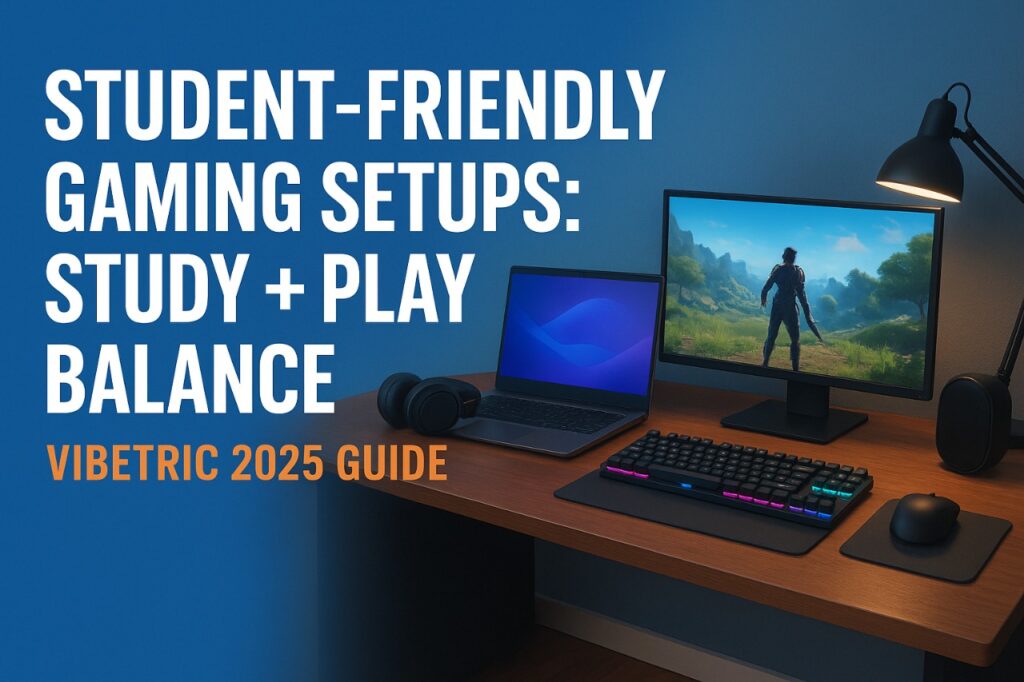
Student gaming setups in 2025 are all about finding the perfect balance between study and play. Students want a setup that supports long hours of productivity while still letting them enjoy gaming without distractions. At Vibetric, we’ve explored expert recommendations, Reddit discussions, and real student experiences to show how mid-range laptops, ergonomic desks, and smart accessories can create the ideal study + play environment.
🕹 Why Study + Play Balance Matters
Gaming laptops and desktops are marketed as “all-in-one” devices, but students need more than raw power:
- Long hours of note-taking, research, and coding
- Comfortable study ergonomics
- Gaming for stress relief or socializing
- Manageable budget and desk space
Without balance, students risk poor ergonomics, limited battery life, and distractions that hurt productivity.
⚡ Key Components of a Student-Friendly Gaming Setup
| Component | Recommendation | Vibetric Insight |
|---|---|---|
| Laptop/Desktop | Mid-range gaming laptop (₹70k–₹1L) or budget gaming desktop | Enough power for AAA games + multitasking; lighter laptops preferred for portability |
| Monitor | 24–27” 1080p, 75–144Hz refresh rate | Smooth visuals without overkill; dual-monitor setup helps productivity |
| Keyboard & Mouse | Mechanical keyboard (Tactile/Brown switches) + ergonomic mouse | Comfort for long study sessions; RGB optional |
| Desk & Chair | Adjustable chair + desk with cable management | Prevents back pain and clutter; creates a defined study/play space |
| Headphones/Speakers | Comfortable over-ear headset or Bluetooth speaker | Noise isolation during study; immersive sound for gaming |
| Lighting & Accessories | Soft LED desk lighting, cable organizers | Reduces eye strain; keeps setup clean and focused |
🧠 Expert Insights — What the Reviews Say
- TechRadar 2025: Students should prioritize ergonomics and portability over ultra-high-end graphics.
- PC Gamer: Mid-range gaming rigs are more than enough for casual to competitive gaming and everyday productivity.
- Rtings.com: A dual-monitor or single 27” monitor setup increases study efficiency while providing a cinematic gaming experience.
Expert takeaway: You don’t need the most expensive hardware — a balanced setup beats raw specs every time.
💬 Community Feedback — Reddit & Student Opinions
| Source | User Sentiment | Key Takeaways |
|---|---|---|
| CollegeGaming | Students recommend a single powerful laptop for both schoolwork and gaming | Mid-range GPUs + SSDs = smooth multitasking and gaming |
| StudentDeskSetup | Cable management and desk ergonomics are key | Clean, organized space improves focus and mental clarity |
| Quora Discussions | RGB is optional; focus on comfort and battery life | Over-hyped aesthetics often distract from productivity |
Reddit consensus: Prioritize comfort, usability, and battery life — gaming is secondary to consistent study habits.
🧩 Tips for Balancing Study & Play
- Define Zones: Dedicate your desk setup for both study and gaming. Keep clutter minimal.
- Use Productivity Tools: Pomodoro timers, note apps, and calendar blockers prevent gaming from eating into study time.
- Ergonomics First: Proper chair height, monitor placement, and keyboard positioning prevent fatigue.
- Hardware Smart Choices: Gaming laptops with long battery life or desktops with energy-efficient components reduce distractions.
- Budget Wisely: Mid-range hardware often provides 80–90% of performance of high-end rigs at half the cost.
⚙ Vibetric Recommended Student-Friendly Setups
Budget-Friendly Option (~₹70,000)
- Laptop: Intel i5 / Ryzen 5, 16GB RAM, 512GB SSD
- Accessories: Mechanical keyboard, budget mouse, over-ear headphones
- Monitor: 24” 1080p, 75Hz
Premium Option (~₹1,20,000)
- Laptop/Desktop: Intel i7 / Ryzen 7, RTX 3060/4060, 16–32GB RAM
- Accessories: Ergonomic chair, 27” 144Hz monitor, RGB mechanical keyboard
- Headphones: Noise-cancelling over-ear, Bluetooth speaker for leisure
Vibetric insight: Even the budget-friendly setup can handle AAA games at medium settings while managing all academic tasks efficiently.
💬 Vibetric Verdict — Study + Play Balance in 2025
- Balanced Setup: Prioritize ergonomics, portability, and mid-range hardware.
- Gaming is secondary: Use it as a reward for productive study sessions.
- Upgrade smartly: Invest in monitors, chairs, and peripherals rather than chasing raw laptop specs.
Vibetric Advice: A setup that respects your study hours and enhances gaming enjoyment is always better than an overpowered rig that dominates your desk and wallet.
🔗Stay in the Loop
We help you buy smarter, not louder.
- Follow us on Instagram: @vibetric_official
- Bookmark vibetric.com for weekly laptop reviews, side-by-side comparisons, and Reddit insights.
- Share this guide with students building their first or upgraded gaming + study setup in 2025.
No fluff. No bias. Just honest reviews from people who actually test the products.
Got thoughts on this topic?
We’d love to hear from you! Drop your comments, questions, or personal experiences below — let’s make Vibetric a space for real conversations, not just clicks.

Best Cloud Gaming Services in India — 2025 Picks
