
The Truth About Laptop Thermals — What Brands Don’t Tell You
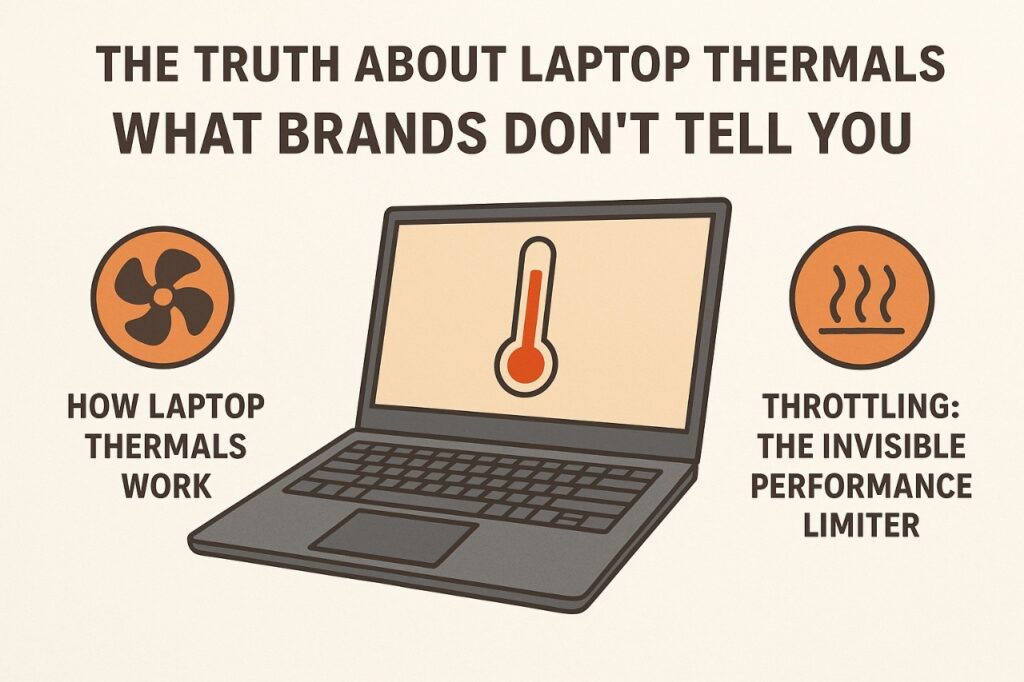
Laptop thermals are rarely highlighted in marketing campaigns, yet they are among the most crucial factors affecting performance, longevity, and user experience. In 2025, with ultrathin designs, high-core CPUs, and power-hungry GPUs, thermal management has become a critical differentiator. Understanding how laptop thermals work, why devices throttle performance under load, and the subtleties brands often omit can help users make informed purchase decisions.
How Laptop Thermals Work
Every CPU and GPU generates heat during operation. Thermal management is the process of dispersing this heat efficiently to prevent overheating and maintain stable performance. Engineers achieve this using heat pipes, vapor chambers, fans, and thermal paste that conduct heat away from processors. However, in ultrathin laptops, there is limited space to deploy cooling solutions, often forcing trade-offs between quiet operation and peak thermal efficiency. Even subtle differences in fan placement or airflow can significantly influence sustained performance.
Throttling: The Invisible Performance Limiter
Thermal throttling occurs when a CPU or GPU reduces its clock speed to avoid overheating. This can manifest as unexpected slowdowns during gaming, video rendering, or multitasking. Brands rarely disclose throttling tendencies, and controlled benchmark tests may not reflect prolonged real-world workloads. Users may notice laptops performing below advertised speeds during intensive sessions. Consequently, understanding thermal design is as important as reviewing specifications.
Mini Comparison: Thermal Approaches Across Brands (2025)
| Brand | Thermal Design Approach | Performance Under Load | Noise Level |
|---|---|---|---|
| Dell XPS | Vapor chamber + dual fans | Moderate sustained | Quiet-moderate |
| Apple MacBook | Passive cooling + efficient M-series | Excellent sustained | Silent |
| ASUS ROG | Multiple heat pipes + liquid metal | High sustained | Loud under load |
| Lenovo ThinkPad | Copper heat spreader + dual fans | Reliable, moderate | Moderate |
This comparison demonstrates how thermal solutions affect real-world performance and noise, rather than relying solely on peak spec numbers.
Materials and Heat Dissipation
Chassis materials influence thermal behavior. Aluminum and magnesium-alloy bodies dissipate heat more efficiently than plastic, helping maintain lower internal temperatures. Conversely, thin or glossy plastic shells may trap heat, forcing internal fans to work harder. Some brands optimize airflow through vent placement and intake design, while others rely heavily on software-controlled fan curves. These choices determine whether a laptop maintains performance under sustained workloads or silently throttles.
User Behavior and Thermal Impact
User habits have a substantial effect on thermals. Placing a laptop on soft surfaces like beds or couches blocks airflow, increasing internal temperatures. Running multiple intensive applications for hours or operating in high ambient temperatures further stresses the cooling system. Even laptops with excellent thermal engineering can underperform if airflow is restricted. Brands rarely emphasize this, leaving users to learn the limits through real-world experience.
Noise, Comfort, and Perception
Fans are often misunderstood. Loud fan noise does not necessarily indicate poor design; it may reflect active heat dissipation under heavy workloads. Conversely, silent laptops may rely on throttling to maintain temperature, sacrificing performance. Balancing thermal efficiency, fan noise, and surface heat is a complex engineering challenge, one that users rarely see in spec sheets or promotional materials.
Myths vs Reality
| Common Belief | Reality |
|---|---|
| Thinner laptops always run cooler | Ultrafine designs may restrict airflow, raising heat |
| High-performance laptops stay fast | Intensive workloads can trigger thermal throttling |
| Fan noise equals poor engineering | Loud fans can indicate effective heat dissipation |
| All laptops handle heat the same | Thermal design varies widely; real-world performance differs |
Understanding these realities helps users set expectations realistically and choose laptops that maintain performance over time.
Closing Reflection
Laptop thermals are the silent regulators of performance. Effective thermal design ensures consistent speed, quiet operation, and longer component life. Users who prioritize sustained performance must evaluate cooling solutions, chassis materials, and airflow patterns, not just CPU or GPU benchmarks. In 2025, thermals are a defining factor in laptop selection, often more important than raw specifications or flashy features.
Stay Cool with Vibetric Insights
- Follow our Instagram @vibetric_official for in-depth, engineering-driven laptop analyses.
- Bookmark vibetric.com to explore unbiased reviews of performance and thermals.
- Learn practical strategies to optimize laptop use for sustained speed and longevity.
What’s your take on this?
At Vibetric, the comments go way beyond quick reactions — they’re where creators, innovators, and curious minds spark conversations that push tech’s future forward.

Ultra Light Gaming Headsets 2026 — Why Comfort Finally Matters
Ultra Light Gaming Headsets 2026 — Why Comfort Finally Matters Gaming hardware rarely shifts because of comfort demands alone. Historically, performance metrics—audio

Smartphone Stagnation 2026: The Hidden Shift Behind Slower Upgrade Cycles
Smartphone Stagnation 2026: The Hidden Shift Behind Slower Upgrade Cycles The review unit arrived on schedule, exactly as expected — sealed packaging,