
The Truth About Battery “Optimization” Settings
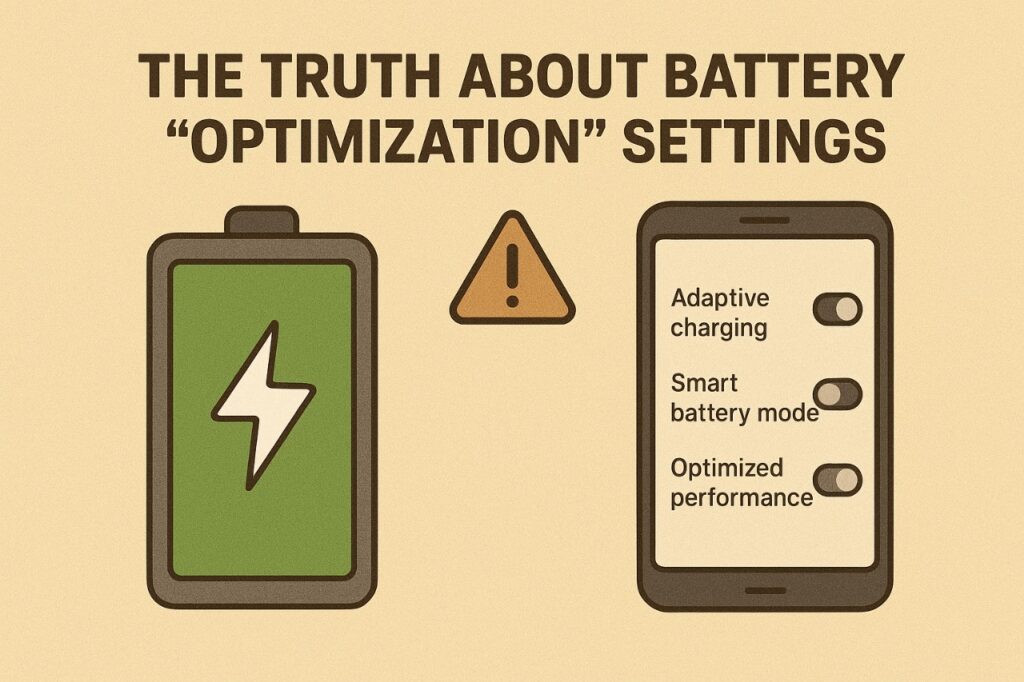
Battery life has always been the quiet limiter of modern devices. In 2025, phones, laptops, and wearables all come with a host of “battery optimization” features promising longer usage without charging. But here’s the catch: most users don’t understand what these settings really do.
Every toggle, slider, or automatic mode is a mix of marketing language and real engineering trade-offs.
This short read reveals how battery optimization works behind the scenes, what it truly affects, and why the promised gains are often smaller than advertised.
By the end, you’ll know how to use these tools without compromising performance or usability.
⚙️ Core Insight (Depth + Clarity)
Battery optimization settings are not magic; they are carefully engineered compromises. Most modern devices now include AI-driven management systems that monitor app usage, background processes, and screen activity to preserve energy. What changed is the sophistication of these algorithms: they can now predict user behavior, throttle less critical processes, and extend battery longevity without manual intervention.
However, the average user rarely notices the trade-offs. Reduced background activity might save power, but it can delay notifications or app updates. Lower CPU frequencies preserve energy, yet slightly reduce peak performance. The simple truth behind the hype is that battery optimization is about balance — extending runtime while maintaining an acceptable user experience.
Brands highlight “optimization” as a feature because it sounds proactive and intelligent. In reality, most devices have enough raw battery capacity that aggressive optimization isn’t required for everyday use. The real gains are felt only in specific scenarios: prolonged gaming, heavy media playback, or multi-day travel.
📊Bite-Sized Data Table
| Setting Type | Real Effect | Potential Trade-Off | Best For |
|---|---|---|---|
| Background App Restriction | Moderate | Delayed notifications | Everyday users |
| Adaptive Brightness | Moderate | Slight display dimming | Mixed usage |
| CPU Throttling | High | Reduced peak performance | Gaming & heavy apps |
| AI Usage Prediction | Low | Rare mispredictions | Long-term battery |
| Battery Saver Mode | High | Limits features & animations | Travel / low charging access |
🔍 Micro Analysis
A: The Real-World Impact
Battery optimization settings make subtle but meaningful differences for everyday users. Devices can last longer during travel, heavy app usage, or extended gaming sessions. Most people won’t notice the intervention during normal browsing, but the system is actively managing performance.
Key effects include:
- Adaptive CPU throttling: Reduces peak load for non-critical tasks without noticeable slowdowns.
- Background app management: Pauses less-used apps to save energy, sometimes delaying notifications.
- Display adjustments: Brightness and refresh rate adapt dynamically to usage, slightly dimming or reducing refresh for efficiency.
- Thermal control: Keeps devices cooler by distributing energy more intelligently, reducing throttling in long sessions.
These optimizations ensure that even under stress, the device maintains usable performance while stretching battery life. Users feel longer uptime without actively managing settings.
B: The Hidden Truth
Battery optimization is as much about perception as it is about engineering. Brands market it heavily because users fear running out of battery. But the real work happens in tiny trade-offs:
What actually happens behind the scenes:
- Notifications may be delayed due to background restrictions.
- Peak performance is slightly reduced for energy-heavy apps.
- AI predictions can misfire if usage patterns suddenly change.
- Software tweaks cost nothing but improve perceived battery life, unlike hardware upgrades.
- Subtle throttling prevents overheating, which also prolongs battery longevity.
The result? Users feel their devices “last longer,” even though the battery itself hasn’t fundamentally changed. Optimization settings are strategic: they improve perception, extend longevity under real-world conditions, and allow brands to market intelligent, self-managing devices.
🌍 Culture Angle
Modern users want devices that “just last” without thinking about charging. Battery anxiety has become a subtle part of tech culture — notifications about low power or app restrictions create stress. Battery optimization settings address this anxiety by promising longer uptime and smarter management.
People increasingly accept minor compromises, like delayed notifications or slightly dimmer screens, in exchange for the reassurance of extended battery life. Cultural behavior now prioritizes efficiency over raw speed, making battery optimization a psychological tool as much as a technical feature.
🧠 Quick Vibetric Takeaway
- Battery optimization is a balance between performance and energy conservation.
- AI and adaptive algorithms handle most decisions automatically.
- Real-world gains are subtle for everyday users, more noticeable during heavy usage.
- Hardware remains the bigger factor in battery life than software tweaks.
- Perceived longevity is often as valuable as actual runtime.
- Over-aggressive settings may impact notifications, performance, or responsiveness.
- Optimization features satisfy user anxiety and reinforce the device’s value proposition.
💬 Vibetric Verdict
Vibetric Verdict: Battery optimization isn’t a gimmick, but it isn’t magic either.
It quietly manages power, balances performance, and extends runtime when needed.
The difference between a charged device and an optimized one is subtle, yet impactful for the user who demands reliability.
In 2025, the real innovation isn’t in the setting itself — it’s in devices that intelligently anticipate your usage and work behind the scenes.
Battery optimization is the silent assistant that keeps your tech alive without demanding attention.
🔗 Stay in the Loop
We don’t sell hype — we explain it.
- Follow @vibetric_official for grounded insights on real-world device performance and battery trends.
- Bookmark vibetric.com to stay ahead of the tech curve.
- No hype. No bias. Just facts — the Vibetric way.
💬 What’s your take on this?
The comment section at Vibetric isn’t just for reactions — it’s where creators, thinkers, and curious minds exchange ideas that shape how we see tech’s future.

Galaxy S26 Ultra Privacy Display: 5 Brutal Real-World Truths Nobody Tells You
Galaxy S26 Ultra Privacy Display: 5 Brutal Real-World Truths Nobody Tells You There’s a specific anxiety that comes with using a phone